Models and design packages
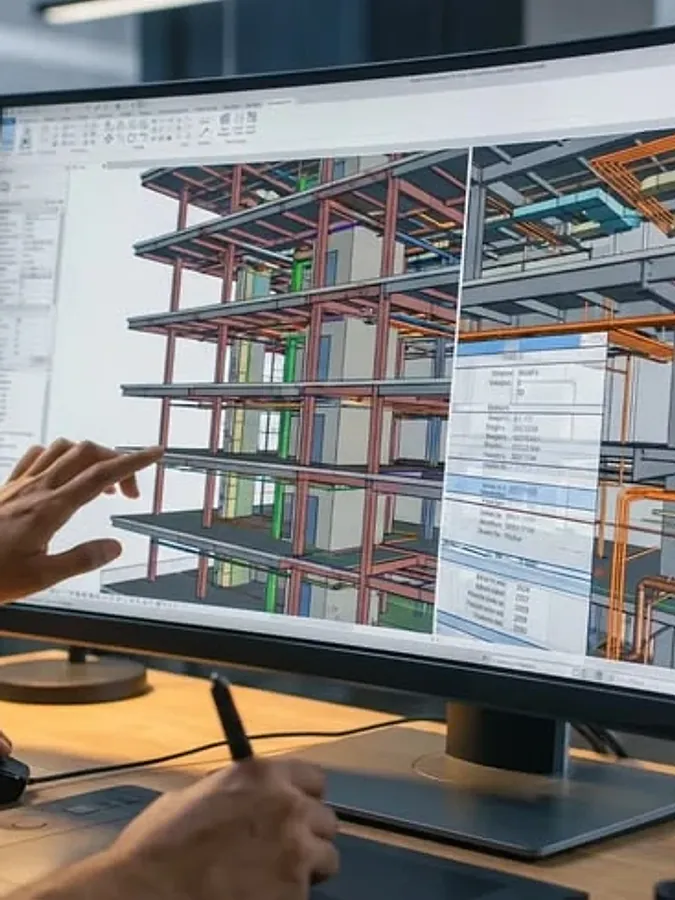
Models from Autodesk Construction Cloud or IFC files linked to the design packages, drawings and trades they describe, by level, zone and system. The BIM coordinator sees which packages each model and revision covers.
BIM & Design CoordinationAvailable now
For design managers, BIM coordinators and engineers who must close clashes and design changes before they reach site.
Hivenox Construction OS capability
BIM & Design Coordination connects the model to the rest of the job in Hivenox Construction OS: design packages, reviews, clashes and changes sit on the same record as cost, programme and procurement. Each clash or design change goes to the designer who owns it, and each change is linked to the cost codes, programme activities and orders it affects, so it is priced before anyone approves it. The Design & BIM AI Worker is designed to check design changes and clashes against the model; the BIM coordinator decides what is raised.
Workflows
The work itself, named the way the people who run it name it.
Models from Autodesk Construction Cloud or IFC files linked to the design packages, drawings and trades they describe, by level, zone and system. The BIM coordinator sees which packages each model and revision covers.
Clashes across disciplines, and between the model and the drawings, each assigned to the designer who owns it with a due date and tracked until it is closed. A duct clashing with a beam goes to the mechanical designer, not to site.
Review comments, responses and approvals followed through each design stage until they are closed, so nothing is left open when drawings are issued for construction. Each comment has an owner and a due date until it is closed.
Every design change linked to the cost codes, programme activities and orders it affects, so the variation is priced before it is approved, not after the work is built.
Constructability issues raised in design review are tracked to closure like any other comment, while a fix is still a drawing change rather than rework. The Design & BIM AI Worker is designed to highlight details, sequences and tolerances likely to cause problems on site; the design manager decides what changes.
Records
Named the way they appear on site, in the contract and in the claim.
Before and after
Clashes found by the trade on site.
Clashes closed in the model before site.
Design changes priced after they are built.
Design changes priced before they are approved.
Review comments lost between consultants.
Every comment tracked to closure.
Quick answer
Coordinate the models before issue, assign every clash to the designer who owns it and track it to closure. Price each design change against cost, programme and procurement before it is approved. Hivenox Construction OS holds clashes, reviews and design changes on the same record as the budget and programme.
Send us a project or a maintenance contract. In the first session we walk through its variations, claims, defects and compliance gaps with you.
Book a working session