Exceptions, not reports
A short list of what changed, what is at risk and what needs a decision, job by job. Jobs that are on track stay off the list, so the weekly meeting starts with the few that need attention.
AI Command CentreAvailable now
For directors, operations managers and project leads who need to know which jobs need a decision this week, not at month-end.
Hivenox Construction OS capability
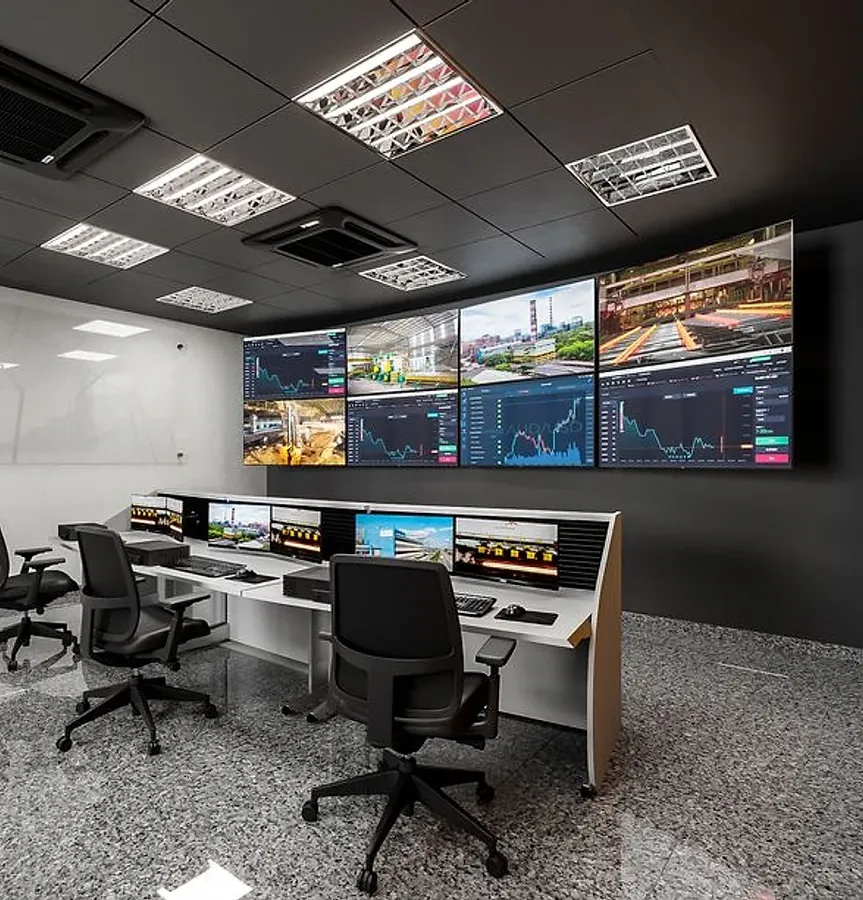
The AI Command Centre reads the records of every job in Hivenox Construction OS (programme, cost, contracts, documents and site) and raises what needs a decision. Each warning names the job, the cause and the record behind it, and goes to the person responsible. The AI flags; a person approves, rejects or queries.
Workflows
The work itself, named the way the people who run it name it.
A short list of what changed, what is at risk and what needs a decision, job by job. Jobs that are on track stay off the list, so the weekly meeting starts with the few that need attention.
Unapproved variation exposure by client and by job, margin fade by project, region and project manager, and cash tied up in retention and unpaid claims. Seen the day it changes, not at month-end.
Notices approaching their time-bar across every head contract and subcontract, ranked by days left, with the clause and the delay event attached. The contract administrator gets the warning; the director sees how many are open on each job.
The same subcontractor running late on three of your jobs, or the same defect recurring with one trade, raised once across the portfolio instead of separately on each job, so the conversation with that subcontractor happens once, with the evidence from every job.
Questions in plain English, such as 'Which variations on Block C are still unpriced?', answered with links to the source records. Every figure opens down to the claim, instruction or diary entry behind it.
Records
Named the way they appear on site, in the contract and in the claim.
Before and after
Problems surface in the monthly pack, weeks after they start.
Warnings raised the day the record changes.
Each job reports risk in its own format.
One view of exceptions across every job.
Numbers argued in the meeting.
Every figure opens to the record behind it.
Quick answer
Watch exceptions, not totals: unpriced variations, notices close to their time-bar, margin fade and trades running late on several jobs. Each warning should name the job, the cause and the record behind it. The Hivenox AI Command Centre raises these from the project record and sends each one to the person responsible.
Send us a project or a maintenance contract. In the first session we walk through its variations, claims, defects and compliance gaps with you.
Book a working session