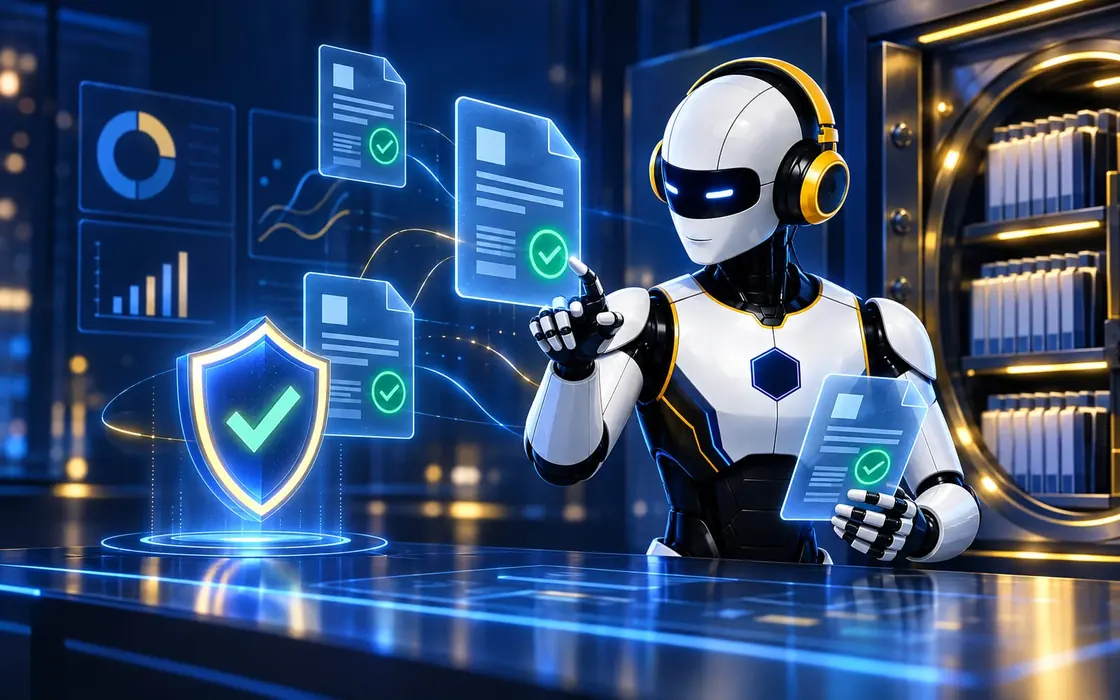
Two-way sync
Keeps SAP, Oracle, Dynamics and MYOB in sync with Hivenox in both directions.
Sits between your existing ERP and Hivenox, so nothing has to be ripped out — SAP, Oracle, Dynamics and MYOB keep running underneath.

How it works
What it will read, what it will flag and who makes the call.
Integrates with your existing ERP and banks.
Capabilities
Keeps SAP, Oracle, Dynamics and MYOB in sync with Hivenox in both directions.
Maps charts of accounts, entities and dimensions between systems.
Reconciles bank and payment data automatically.
Supports month-end close with checks and missing-item alerts.
Fixes data quality issues before they reach the shared record.
Starts on top of your existing ERP, with nothing removed.
Outcomes
Adopt AI without replacing core finance systems.
Reconciliations and checks run continuously.
Every Worker runs on clean, reconciled numbers.
 One record, shared by every Hivenox AI Worker
A 30-minute walkthrough, mapped to your teams and the systems you already run.
Talk to the team